Author: Active Club Solutions

  • New Built-In Notifications & Intuitive Customer Merge Feature!

    Improvements Alert!

    • Have you spotted the new in-app updates in Activ8 Cloud? (more…)

  • Looking for Video Tutorials?

    They’re All in One Place!

    Head to the HELP app cloud help - Video Tutorials, where all your resources now live. Just hit ‘Search’ cloud search resource - Video Tutorialsfor a specific topic or go to the main menu to find all our Video Tutorials.
    Tip: Bookmark this link to our tutorial library: https://www.secureclub.net/Help/videos/index.html

    Please contact us for any information or assistance.


    The Λctiv8 Team

    © 2023 Λctiv8Commerce/Active Club Solutions, Inc.
  • Attention Worldpay Card Reader Users

    Attention Worldpay Card Reader Users

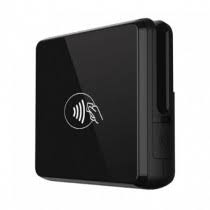
    Starting September 2, 2025, Worldpay will officially end all service and support for PCI 4.0 devices on triPOS products, affecting the BBPOS Chipper 2XBT and BBPOS Chipper 3XBT. (more…)

  • Activ8 Manager (Desktop), eCommerce and POS Administrative Updates.

    Improvements to POS settings, inventory management, and smoother checkout processes.

    Check out all the details below! (more…)

  • POS, Cloud Control Central, and eCommerce UI Enhancements

    Enhanced order history views, new club filters to easier product management and real-time print queue updates.

    Check out all the details below! (more…)

  • Image Library Enhancements

    Image library enhancementsImprovements to the Image Library and its connection with Products and Packages!

    What’s New: (more…)

  • Don’t Let Separate Systems Hold You Back

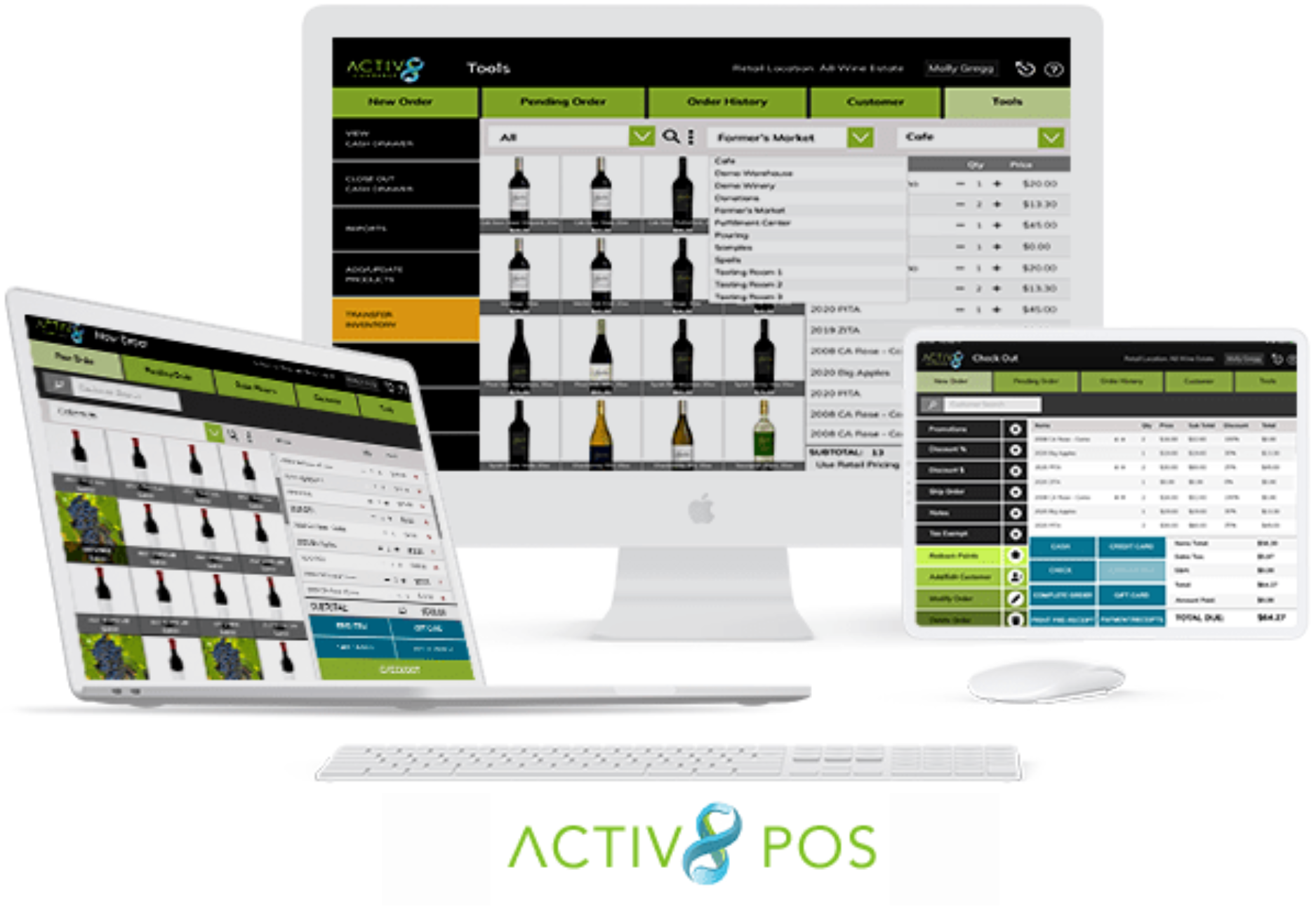
    Activ8 POSStill using different systems for POS, eCommerce, and clubs?

    Using different systems for POS, eCommerce, and clubs? That can lead to:

    • Data Drama:Your data’s all over the place, making it hard to get a full picture of your customers.
    • Integration Woes: Keeping these systems synced is frustrating and costly.
    • Customer Confusion: A disjointed experience can frustrate your customers.
    • Extra Costs: More systems mean more expenses and time wasted.
    • Operational Hiccups: Switching between systems slows you down and invites errors.

    GET MORE INSIGHTS ON THIS TOPIC HERE…

    Avoid these headaches with an all-in-one solution! With Activ8 POS, enjoy a smooth, seamless experience across all your devices. See it in action with a demo today and simplify your operations!


    The Λctiv8 Team

    © 2023 Λctiv8Commerce/Active Club Solutions, Inc.

  • Activ8 Commerce Release Notes 08.27.2024. Loyalty Points and Inventory Location Features and Enhancements.

    new versionCheck these Loyalty Points and Inventory Location updates:
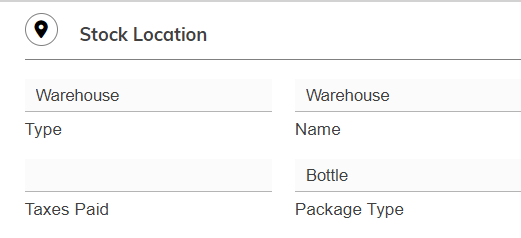
    • Users can no longer change the Package Type in an inventory location record if there have already been transactions using inventory from that location.


    • You no longer need to set “Use Loyalty Points” to “Yes” in the Merchant record to process refunds to loyalty points. This change prevents accidental earning of points when switching this option to “Yes” just to process refunds.
    • Various bug fixes

    These updates are designed to make your experience with Activ8 even more seamless and efficient. Enjoy the new features!


    The Λctiv8 Team

    © 2023 Λctiv8Commerce/Active Club Solutions, Inc.

  • Activ8 Commerce Release Notes 08.13.2024. Image Library, Search Dates, Club S&H and Other New Features and Enhancements.

    new versionCheck these Image Library, Search Dates, Club S&H and other Features and Enhancements:

    Here are the release notes for the latest updates to Activ8 Control Center (Manager and Cloud):

    • Image Library File Name Updates
      We’ve introduced a new feature to streamline your image management. When you rename an image file, Activ8 will automatically locate and update all instances where the image is used across your system, such as in your shopping cart catalog or email templates. No more manual updates—let Activ8 do the work for you!

    • Enhanced Club Runs and Allocations
      Managing your clubs just got easier! You’ll notice new buttons for the Control Panel and Statistics sections within Club Runs and Allocations. Clicking these buttons (and the buttons within the Control Panel section) will now direct you to related help articles, ensuring you have the support you need right at your fingertips.

    • Club Packages – Fixed Shipping & Handling
      We’ve added a new field when creating club packages that allows you to set a fixed Shipping & Handling (S&H) cost. This helps streamline the package setup and ensures consistent S&H fees.

    • Expanded Search Filters with Custom Date Ranges
      To improve your search capabilities, we’ve added new date ranges in the filter section, including the ability to create custom date ranges. These date ranges will be displayed prominently at the top of your results sheet, making it easier to manage and review your data.

    • New POS and Sales Reports
      We’ve introduced three new reports: a Global POS report, POS Sales by Categories and POS Sales by Employee. These reports will help you analyze and optimize your sales performance across different dimensions.
    • Various bug fixes

    These updates are designed to make your experience with Activ8 even more seamless and efficient. Enjoy the new features!


    The Λctiv8 Team

    © 2023 Λctiv8Commerce/Active Club Solutions, Inc.

  • FAQs: What to Expect When Upgrading to the new Activ8 POS

    Activ8 POS

    Q: How user-friendly is the new POS system?
    A: The new POS system is very user-friendly and easy to learn. It features a great touchscreen interface that enhances usability. It is also very fast.

    Q: Can I use the new POS system on any device?
    A: Yes, you can use the new POS system on any device connected to the internet, as long as the operating system is current. This is important for ensuring the best security and functionality.

    Q: Why do I need a current operating system for the new POS system?
    A: A current operating system guarantees the best security and functionality. Using an obsolete version puts you at risk and may limit the performance of the POS system. (This is true for all browser-based or native apps)

    Q: Do I need to switch credit card processors when adopting the new POS system?
    A: No, you do not need to switch credit card processors. However, this may lead to long-term savings, so it’s important to explore your options.

    Q: What are the costs associated with switching credit card processors?
    A: The costs include fees for token transfer and purchasing new card readers. These costs might be offset in the long term if you secure better rates than you currently have.

    Q: Will I need new card readers with the new POS system?
    A: You may or may not need new card readers when updating your POS. Keep in mind that new card readers are often required regularly due to the fast evolution of payment technologies.

    Q: Will I need new receipt printers with the new POS system?
    A: You may or may not need a new receipt printer, depending on the device you use.

    Q: Which printers are supported by Activ8 Solutions?
    A: Activ8 Solutions supports the Star Micronics TSP100 series and Star Micronics mC-Print3 printers.

    Q: Which version of these printers does Activ8 Solutions recommend?
    A: Activ8 Solutions strongly recommends using the “CloudPRNT” version of these printers because it is easier to configure.

    Q: Can I use a local network printer instead of the CloudPRNT version?
    A: Yes, you can use a local network printer, but you must use the LAN or wireless version only. Please note that USB and Bluetooth printers are not supported.

    Q: Is local printing from a web browser supported on iPads or tablets?
    A: No, local printing from a web browser is not supported on iPads or any other kind of tablet. Tablet users must use the CloudPRNT version of the supported printers to print from a web browser.

    Q: Do I need a card reader for each device running Activ8 POS?
    A: No, one card reader can serve multiple devices or stations, so you don’t need a reader for each device.

    Q: What if I want to keep using my older system and card readers?
    A: We will support the previous version of your POS until July 1st, 2025. However, we cannot control the obsolescence of credit card readers, which may stop working unexpectedly.

    Q: How should I prepare for the transition to the new POS system?
    A: We encourage you to start planning your transition early to prevent any disruptions. This ensures that your POS and payment systems continue to work seamlessly when you open for business.