Blog

  • Activ8 Commerce Release Notes 08.13.2024. Image Library, Search Dates, Club S&H and Other New Features and Enhancements.

    new versionCheck these Image Library, Search Dates, Club S&H and other Features and Enhancements:

    Here are the release notes for the latest updates to Activ8 Control Center (Manager and Cloud):

    • Image Library File Name Updates
      We’ve introduced a new feature to streamline your image management. When you rename an image file, Activ8 will automatically locate and update all instances where the image is used across your system, such as in your shopping cart catalog or email templates. No more manual updates—let Activ8 do the work for you!

    • Enhanced Club Runs and Allocations
      Managing your clubs just got easier! You’ll notice new buttons for the Control Panel and Statistics sections within Club Runs and Allocations. Clicking these buttons (and the buttons within the Control Panel section) will now direct you to related help articles, ensuring you have the support you need right at your fingertips.

    • Club Packages – Fixed Shipping & Handling
      We’ve added a new field when creating club packages that allows you to set a fixed Shipping & Handling (S&H) cost. This helps streamline the package setup and ensures consistent S&H fees.

    • Expanded Search Filters with Custom Date Ranges
      To improve your search capabilities, we’ve added new date ranges in the filter section, including the ability to create custom date ranges. These date ranges will be displayed prominently at the top of your results sheet, making it easier to manage and review your data.

    • New POS and Sales Reports
      We’ve introduced three new reports: a Global POS report, POS Sales by Categories and POS Sales by Employee. These reports will help you analyze and optimize your sales performance across different dimensions.
    • Various bug fixes

    These updates are designed to make your experience with Activ8 even more seamless and efficient. Enjoy the new features!


    The Λctiv8 Team

    © 2023 Λctiv8Commerce/Active Club Solutions, Inc.
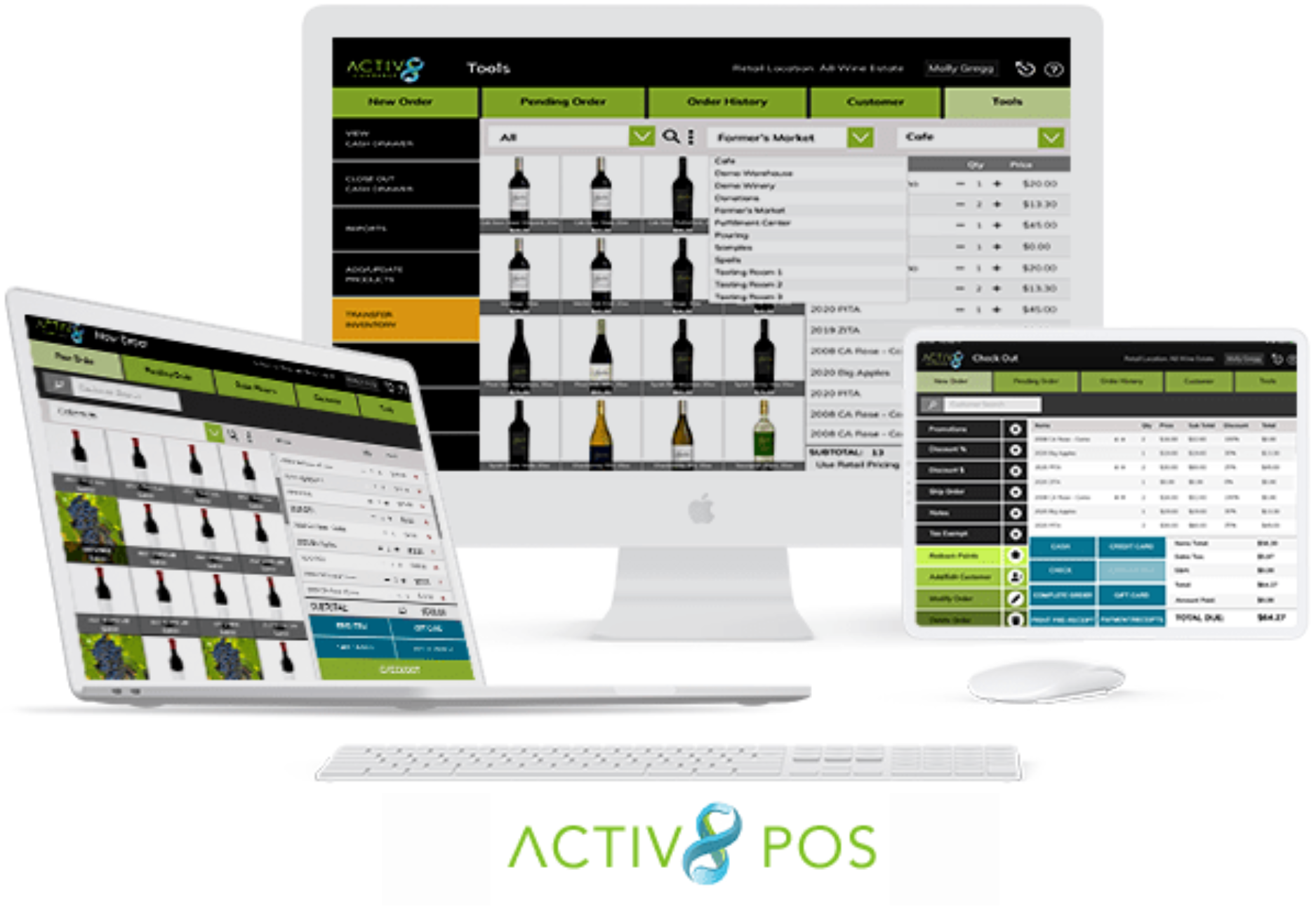
  • FAQs: What to Expect When Upgrading to the new Activ8 POS

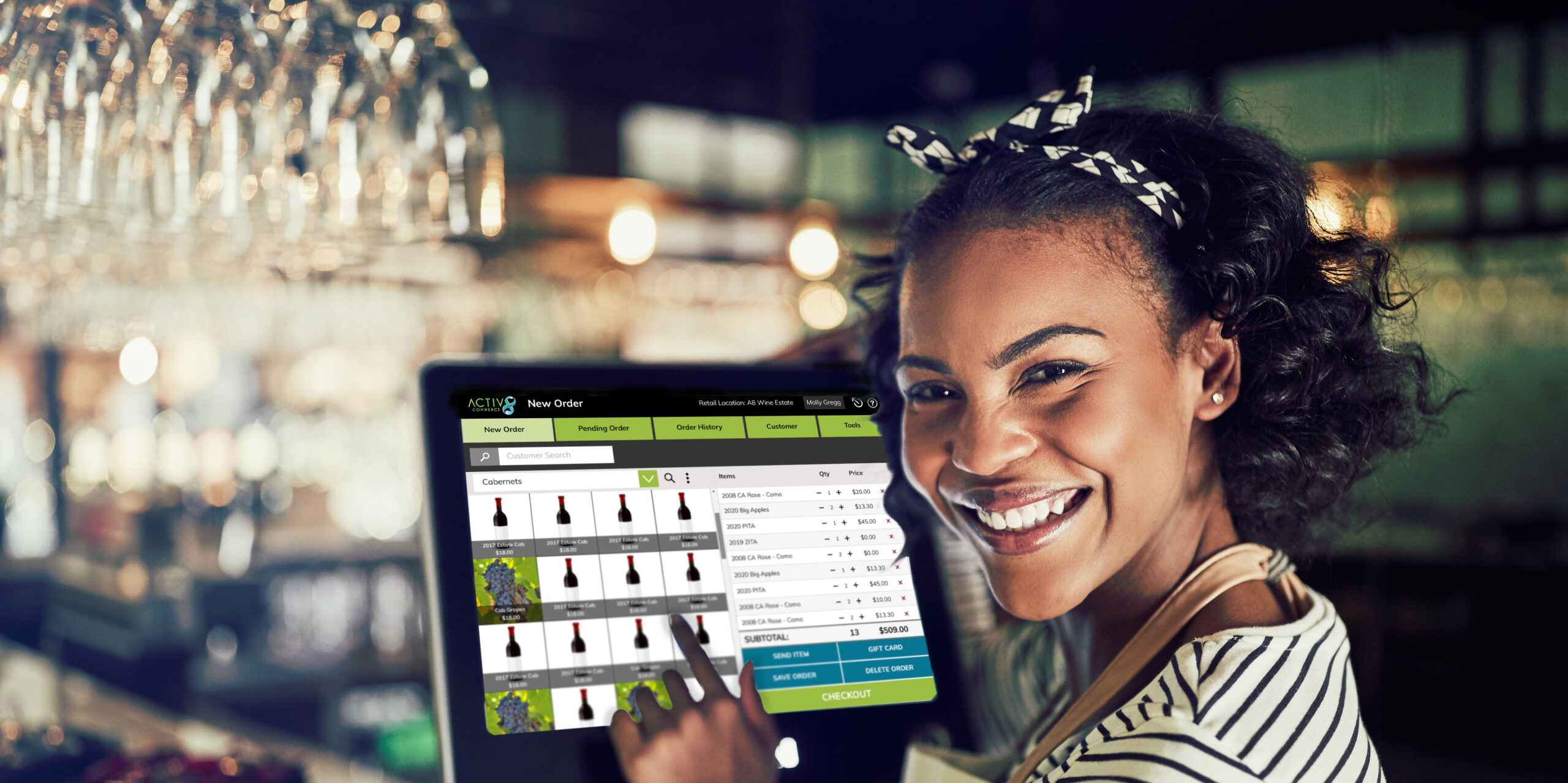
    Activ8 POS

    Q: How user-friendly is the new POS system?
    A: The new POS system is very user-friendly and easy to learn. It features a great touchscreen interface that enhances usability. It is also very fast.

    Q: Can I use the new POS system on any device?
    A: Yes, you can use the new POS system on any device connected to the internet, as long as the operating system is current. This is important for ensuring the best security and functionality.

    Q: Why do I need a current operating system for the new POS system?
    A: A current operating system guarantees the best security and functionality. Using an obsolete version puts you at risk and may limit the performance of the POS system. (This is true for all browser-based or native apps)

    Q: Do I need to switch credit card processors when adopting the new POS system?
    A: No, you do not need to switch credit card processors. However, this may lead to long-term savings, so it’s important to explore your options.

    Q: What are the costs associated with switching credit card processors?
    A: The costs include fees for token transfer and purchasing new card readers. These costs might be offset in the long term if you secure better rates than you currently have.

    Q: Will I need new card readers with the new POS system?
    A: You may or may not need new card readers when updating your POS. Keep in mind that new card readers are often required regularly due to the fast evolution of payment technologies.

    Q: Will I need new receipt printers with the new POS system?
    A: You may or may not need a new receipt printer, depending on the device you use.

    Q: Which printers are supported by Activ8 Solutions?
    A: Activ8 Solutions supports the Star Micronics TSP100 series and Star Micronics mC-Print3 printers.

    Q: Which version of these printers does Activ8 Solutions recommend?
    A: Activ8 Solutions strongly recommends using the “CloudPRNT” version of these printers because it is easier to configure.

    Q: Can I use a local network printer instead of the CloudPRNT version?
    A: Yes, you can use a local network printer, but you must use the LAN or wireless version only. Please note that USB and Bluetooth printers are not supported.

    Q: Is local printing from a web browser supported on iPads or tablets?
    A: No, local printing from a web browser is not supported on iPads or any other kind of tablet. Tablet users must use the CloudPRNT version of the supported printers to print from a web browser.

    Q: Do I need a card reader for each device running Activ8 POS?
    A: No, one card reader can serve multiple devices or stations, so you don’t need a reader for each device.

    Q: What if I want to keep using my older system and card readers?
    A: We will support the previous version of your POS until July 1st, 2025. However, we cannot control the obsolescence of credit card readers, which may stop working unexpectedly.

    Q: How should I prepare for the transition to the new POS system?
    A: We encourage you to start planning your transition early to prevent any disruptions. This ensures that your POS and payment systems continue to work seamlessly when you open for business.

  • Activ8 Manager and Cloud Release 2024.07.09

    new versionThis new version addressed various minor bugs and issues to enhance overall system functionality. Release date 07/09/2024.


    The Λctiv8 Team

    © 2023 Λctiv8Commerce/Active Club Solutions, Inc.

  • Activ8 POS Hardware Information


    The following hardware has been tested and verified compatible with Activ8POS:


    Web browser

    Cloud POS runs well in most graphics-mode web browsers. (JavaScript must be enabled.) The operating System needs to be the latest or recent version. Browsers on deprecated devices/computers/tablets which are no longer receiving security updates will not work.

    Credit-card reader

    WorldPay:

    §  Ingenico Link/2500

    §  Ingenico Lane/3000

    §  Ingenico Lane/7000

    §  Ingenico Move/5000

    OpenEdge: COMING SOON…

    §  Verifone V400m

    §  Verifone e285

    §  Verifone
    M400

    §  Verifone P400

    §  Genius
    Handheld

    Clearent:

    §  DejaVoo Z6,
    Z8, Z9, Z11

    §  Pax A35A80A920ProS300IM30


    Card
    readers are supplied by your credit-card payment processor.
    If you plan on using more than one POS station in the tasting room, ensure that you have at least one spare card reader for each station. When using Cloud POS for offsite sales, consider stocking additional card readers.

    Receipt printer

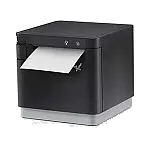
    §  Star Micronics TSP100 series

    §  Star Micronics mC-Print3

    Note:
    Because it is easier to configure, Λctiv8 Solutions strongly recommends that you use the 
    “CloudPRNT” version of these printers. If you decide to use a local network printer, use the LAN or wireless version only; USB and Bluetooth printers are not supported.

    Note too that local printing from a web browser is not supported on iPad or any other kind of tablet. To print from a web browser, tablet users
    must use the “CloudPRNT” version of the supported printers.


    Cash drawer

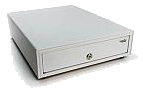
    §  Star Micronics SMD2-1317 Mobility Cash Drawer

    (or any cash drawer supported by the Star Micronics printers).


    Shipping-label printer

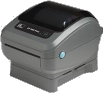
    § Zebra Zebra ZP 450 (UPS, GLS)

    § Zebra ZP 500/ZP 505 (FedEx)

    § Zebra ZD450/ZD420/ZD421D/ZD220/ZD230 (GLS)

    Note: Label printers are usually configured for use with a specific shipper (UPS, FedEx, GLS). Drivers and support for these models are provided by the shipper (not the manufacturer).


    Barcode scanner

    Most barcode scanners — Bluetooth or USB — will work correctly with their factory settings. Scanners must be in “basic” mode, with the terminator character set to “CR.” See your scannerʼs instructions or the manufacturerʼs web page for details.


  • Seamless Transition to Activ8 POS and savings on payment processing

    Switching to Activ8 POS is not only beneficial but also cost-effective.

    (more…)

  • Wholesale in Activ8 Cloud

    Your Wholesale Sales Channel is now available in Activ8 Cloud: Effectively oversee your wholesale sales channel through Activ8 Cloud. Manage buyers and sales orders seamlessly. Learn more in the Activ8 Commerce Help app.


    The Λctiv8 Team

    © 2023 Λctiv8Commerce/Active Club Solutions, Inc.

  • Why Activ8 Cloud is necessary to manage your images

    Ever wondered how to effortlessly organize your images and craft stunning email communications?

    (more…)

  • Activ8 Commerce Cloud, Manager and eCommerce release notes

    Please take note of these significant global updates: our integration with Clearent by Explor, UPS, Ship Compliant, Mailgun, CRV enhancements, and additional security features, among others. (more…)