🔧 Quick Tip for Activ8 Cloud and POS v2 Users
If your Activ8 Cloud or POS v2 ever feels sluggish or unresponsive, a quick refresh can save the day!
Here’s how:
-
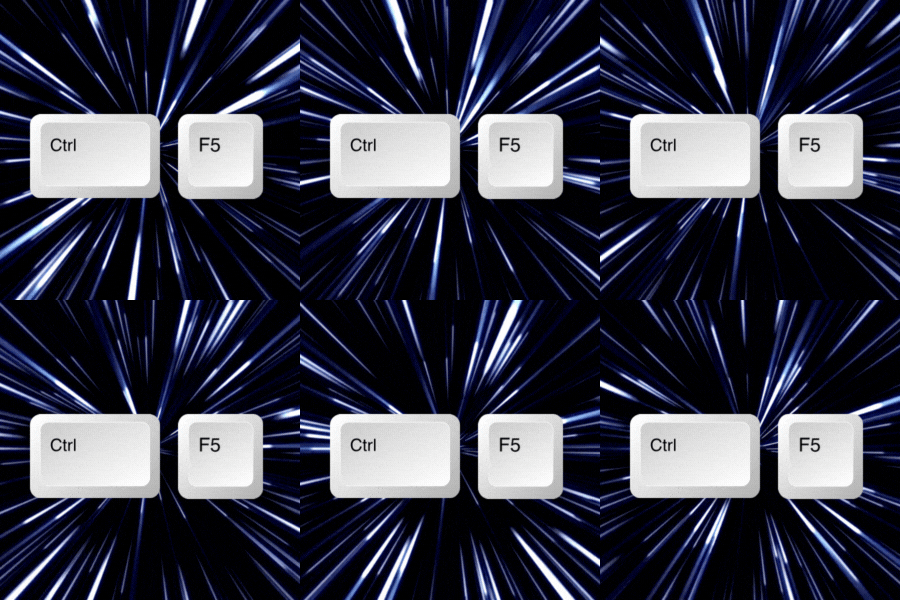
Windows: Press Ctrl + F5 for a hard refresh
-
Mac: Press the Command (⌘) + R keys
-
iPad: There’s no refresh button — just reboot the iPad to get back on track
💡 A quick refresh clears stuck data and reloads the latest version — giving you smoother, faster performance in seconds!
The Λctiv8 Team
© 2023 Λctiv8Commerce/Active Club Solutions, Inc.